
Running a hotel today means you need to reach more guests through different booking channels. While many hoteliers use OTAs like Booking.com, there’s another strong way to bring in high-quality bookings — it’s called the Global Distribution System (GDS).
If you manage a hotel near a business district, airport, or popular city area, getting listed on a GDS can help you attract corporate guests and travel agent bookings. In this blog, we explain what GDS is, how it works, and how you can list your hotel step by step — using tools like your PMS and channel manager.
What is a Global Distribution System (GDS)?
A GDS is a system used by travel agents and corporate travel companies to book hotels, flights, and cars. Big platforms like Amadeus, Sabre, and Travelport are part of this system. When your hotel is listed on GDS, it becomes visible to over 600,000 travel agents around the world.
Here’s a quick comparison of the major GDS platforms:
Why Should Your Hotel Be on a GDS?
GDS bookings mostly come from corporate travelers and travel agencies — not direct guests or walk-ins. These bookings usually bring more value for your hotel.
Benefits of GDS for Hoteliers:

“After we joined Amadeus, our weekday bookings grew by 23%,” says Mark D., GM of a 90-room hotel in Sydney.
What You Need to Get Started
To get listed on a GDS, you need a few key systems in place:
If your hotel does not use these systems yet, it’s time to upgrade — they help you avoid overbookings, rate mistakes, and missed bookings.
Step-by-Step: How to List Your Hotel on GDS
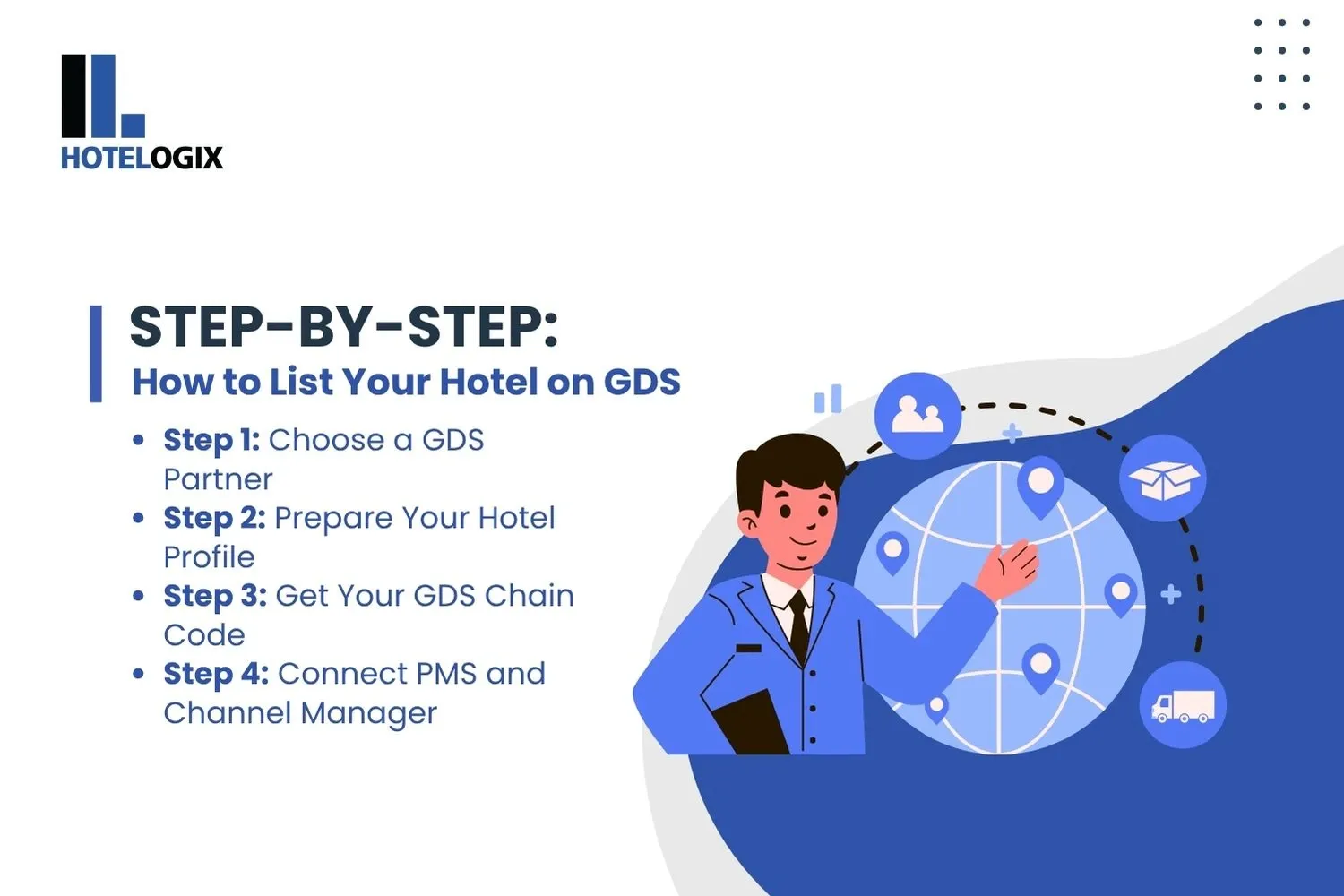
Step 1: Choose a GDS Partner
You can’t list your hotel directly on a GDS. You need help from a connectivity partner, usually your PMS or channel manager. Some trusted partners are:
- SiteMinder
- D-EDGE
- Sabre SynXis
- TravelClick
- Amadeus Hospitality
Talk to your PMS provider and ask if they support GDS connect. https://www.hotelogix.com/hotelogix-gds-connect
Step 2: Prepare Your Hotel Profile
Just like you would create a profile on an OTA, you need to prepare your details for the GDS listing:
Tip: Travel agents prefer clear, useful details. Avoid marketing words — stick to facts.
Step 3: Get Your GDS Chain Code
After your profile is approved, you will get a GDS property code (also called a chain code). This is how agents find and book your hotel on the system.
If you want to get more corporate bookings, you can also apply to join consortia programs like American Express or BCD Travel. These programs often need special rate plans and yearly contracts.
Step 4: Connect PMS and Channel Manager
Now it’s time to connect everything:
- Your PMS holds your room inventory and pricing
- Your channel manager pushes this data to the GDS in real-time
- Bookings come back into your PMS automatically
This setup gives you full control without manual updates — helping with real-time OTA management too.
Why GDS Integration with Hotelogix Makes It Easy
- Sync rates and availability across GDS, OTAs, and your website
- Avoid overbookings with real-time OTA management
- Track travel agent performance in one place
Plus, Hotelogix supports direct GDS connect with providers like Sabre, Amadeus, and Travelport. This means fewer steps and quicker setup for your team.
“We went live on GDS in under a week using Hotelogix. Now over 30% of our weekday bookings come from agents.” — Front Office Manager, 4-star airport hotel
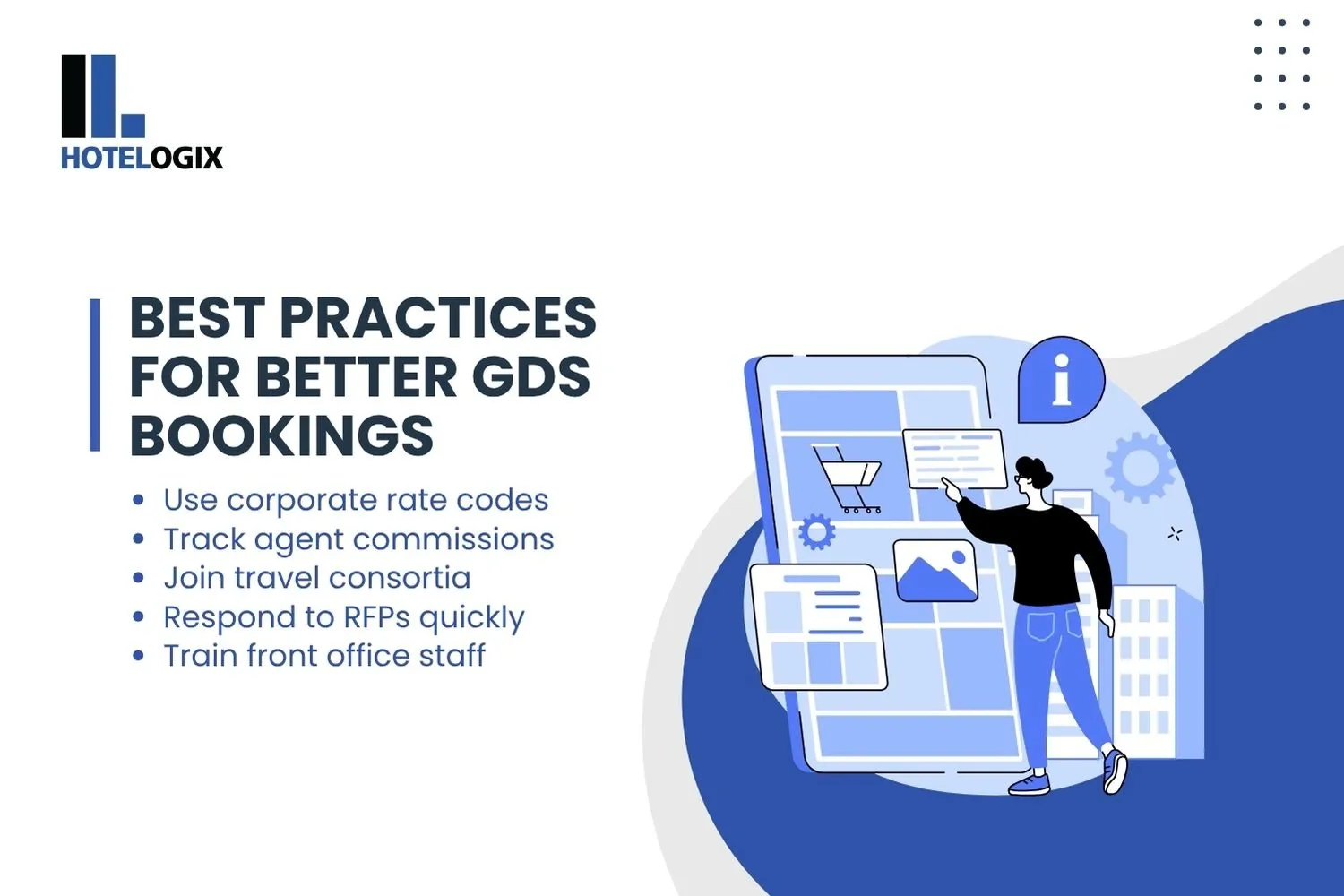
Best Practices for Better GDS Bookings
Common Challenges (And How to Handle Them)
GDS vs OTA vs Direct – What’s the Difference?
Good hotels use all three — GDS for weekday business, OTAs for weekends, and direct bookings for loyalty guests.
Final Thoughts
Adding your hotel to a GDS helps you reach new markets, attract better-quality bookings, and fill rooms during quieter days. It’s especially useful for business hotels, airport properties, and multi-city chains.
Just make sure you have a reliable PMS, a strong channel manager, and a clear profile ready to go. With the right setup, your hotel can benefit from GDS for years to come.