Hotels have moved from paper and spreadsheets to cloud tools. Multi-property groups (chains) use many systems every day—PMS, POS, channel tools, spa, banquet, and more. Some hotels still use old (legacy) systems, some use cloud. In both cases, the IT team runs the show. If IT gets the basics right, the whole operation runs smoothly. Use this same checklist when you shortlist the top hotel management software so your choice works in day-to-day hotel life.
This guide keeps the original points and explains them in hotel terms, with short sentences and checklists your teams can use.
Security of Information
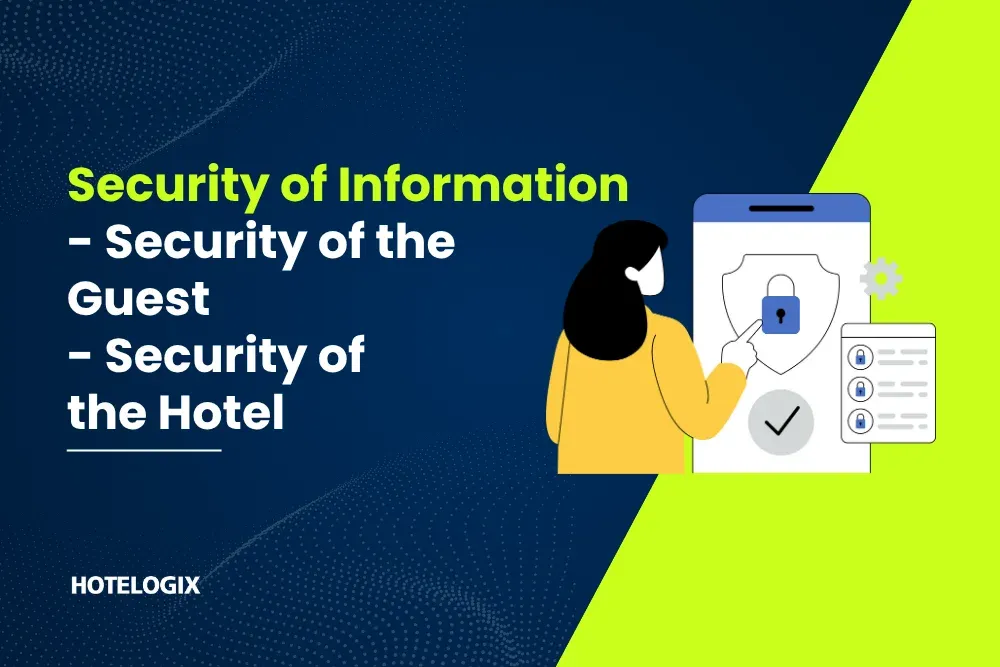
Keeping information safe protects guests, staff, and the brand. There are two parts here.
- Security of the Guest
Guests trust you with their most sensitive data—especially credit card details. Cards are used at many touchpoints: room booking, front desk, restaurant, bar, spa, and late check-outs. The risk can come from inside (staff misuse) or outside (hackers, malware).
What IT should ensure
- Card data is encrypted (scrambled) in transit and at rest.
- Use tokenization via your payment provider so raw card numbers are never visible to staff.
- User roles are strict: only people who need folio access get it.
- Logs and audit trails track who did what and when.
- Backups are tested, so you can recover data if something goes wrong (power cut, server issue, ransomware).
- Clear Do’s & Don’ts for staff: never type card numbers into notes, chat apps, or emails.
- Security of the Hotel
Hotels hold sensitive company data: financials, rate plans, corporate contracts, packages, and internal reports. This information is also at risk from both internal and external threats.
What IT should ensure
- Strong passwords and MFA (multi-factor login) for managers and finance teams.
- Access control by role and by property (front desk, housekeeping, revenue, finance).
- Patches and updates are done on time for servers, apps, and antivirus.
- Regular security checks (vulnerability scans) and quick fixes when issues are found.
- A simple incident plan: who to inform, how to isolate a problem, and how to restore systems fast.
Cost-Effectiveness
IT should review costs regularly. The goal is simple: reduce spend, increase efficiency. Look beyond the license price and check the full cost of running the system.
Questions to ask
- Hardware & upgrades: Do we spend time and money on servers, storage, and manual software updates?
- Integrations: Are there extra fees to connect with third parties (travel agents, corporates, payment gateway, channel tools, POS, spa), our Web booking engine, and our Revenue management system?
- Training: How much time and cost to train new staff on the system? Is the system easy to learn?
- Support: Is support included or billed separately? Do we pay extra for weekend or late-night help?
- Downtime: Did we lose bookings or F&B revenue because the system was down during peak hours?
If the answers are complex or costly, it is time to review the PMS (and connected systems). Simple, cloud-based systems usually lower upgrade, hardware, and downtime costs. They also make staff onboarding faster. This helps you pick the best hotel management software for long-term savings, not just the lowest quote.
Integration & Scalability
Multi-property operations grow fast—new hotels, new brands, new services. Your PMS must connect with other tools and scale easily, without heavy custom work.
Typical hotel integrations
- Payment gateway for secure cards and refunds
- Travel desk/concierge tools
- Channel partners/OTAs (for rates, inventory, stop-sells) backed by Real-time OTA management
- Spa, banquet, and restaurant systems
- Accounting/ERP for finance
- CRM/loyalty for marketing and repeat guests; plus your Web booking engine for direct website sales
What IT should ensure
- Adding a new service (like a spa or a new payment method) is quick and low cost.
- Central settings (taxes, policies, rate plans) can be pushed to many properties with a few clicks—ideally through a Multi property & CRS setup.
- System changes do not require big code changes or long downtime.
- Performance remains stable during high demand (festivals, weddings, group arrivals).
When integration is smooth, the transition is easy for front desk, revenue, housekeeping, and F&B. Fewer manual steps mean fewer errors.
Ease of Accessibility
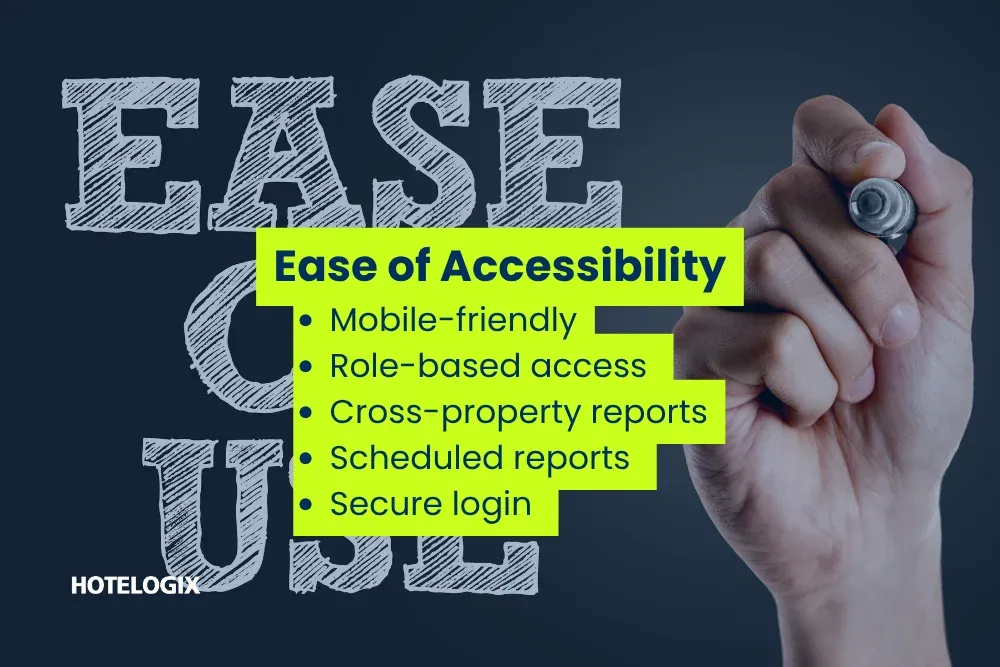
Today, owners and managers move between properties. Teams work on the floor, not just at the desk. Your PMS should be easy to access from anywhere, on laptop, tablet, or phone—with proper security.
What good access looks like
- Mobile-friendly screens for quick tasks (check-in, room status, ticket updates).
- Role-based access so people see only what they need.
- Cross-property reports for GMs and head office to see trends and revenue in one view.
- Scheduled reports sent by email at fixed times (morning, end of day).
- Secure login with timeouts, so lost phones or shared devices don’t put data at risk.
This saves time for everyone—the front desk moves queues faster, housekeeping turns rooms quicker, and managers get the right numbers without calling the property.
Putting It All Together
IT decision-makers should use these four points as a simple checklist before they choose, renew, or expand a PMS:
- Security: Guest and hotel data are safe. Roles and logs are in place. Backups work.
- Cost: Total cost is clear and controlled—no surprises in upgrades or integrations.
- Integration & Scale: New properties and services can be added quickly, with stable performance.
- Access: Teams can work from anywhere, with the right permissions and reports.
When these basics are strong, operations get smoother, staff work faster, and guest satisfaction goes up. This same checklist will also help you identify the best software for hotel management during vendor demos.
Final Note
Many hotels are moving to cloud-based PMS because cloud brings simpler upgrades, easier integrations, and better remote access. Back in 2013, several well-known hotel brands started this shift. Since then, the move has continued as hotels look for lower costs and better control.
No matter which system you choose—legacy or cloud—the four focus areas above will help your multi-property group run safely, efficiently, and with less effort for your teams. Keep this in mind when you compare the best hotel management system options in the market.